How to Get Water Out of Phone: Safe Steps That Actually Work
How to Get Water Out of Phone Quickly and Safely
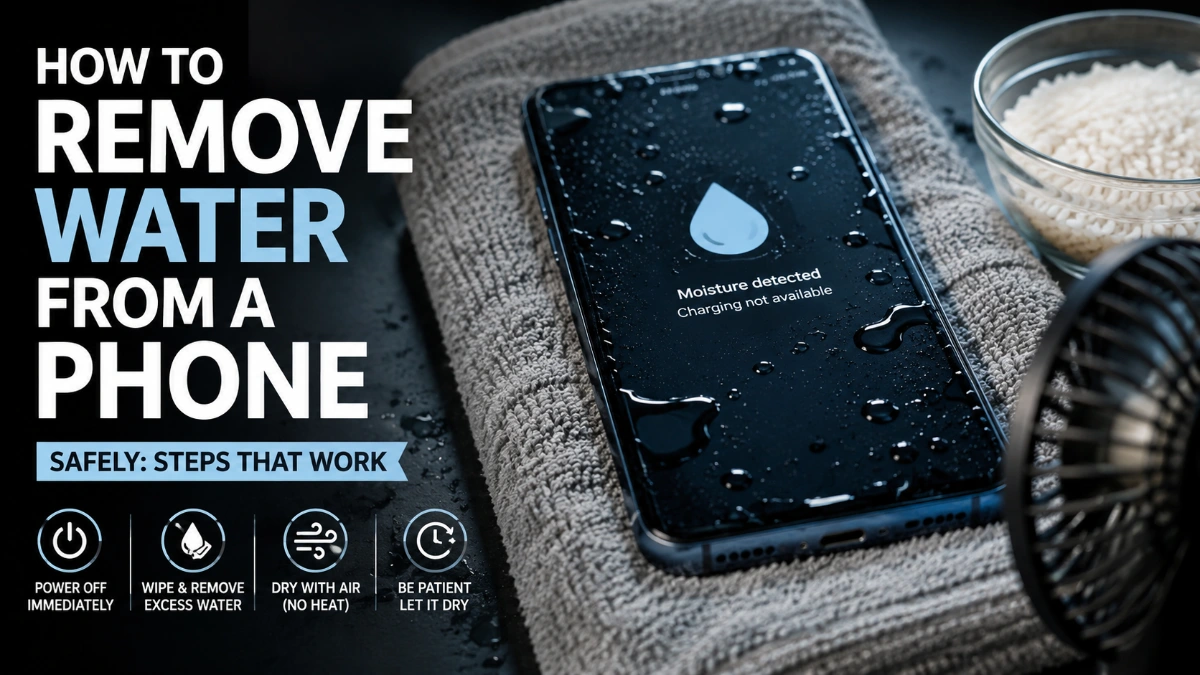
If your phone gets wet, act quickly but do not panic. Turn the phone off, disconnect any charger, remove the case, wipe away visible water, and let the device dry in a dry area with airflow. Do not charge a wet phone, use direct heat, insert objects into the charging port, or put the phone in rice.
Modern phones may have some water resistance, but that does not mean they are waterproof. Water exposure can still cause charging problems, speaker issues, corrosion, or internal damage.
What to Do Immediately After Your Phone Gets Wet
Follow these steps as soon as possible:
- Turn the phone off. If it is already off, leave it off.
- Disconnect the charger and accessories. Never keep a charging cable connected to a wet device.
- Remove the phone case. This exposes more of the device to airflow.
- Remove external accessories. Take out a SIM card tray or removable storage only if your phone allows you to do so normally.
- Wipe the outside. Use a clean, dry, lint-free or microfiber cloth.
- Keep the charging port facing downward. This can help excess liquid escape naturally.
- Place the phone somewhere dry with airflow.
- Do not try charging it until the phone and port are completely dry.
Apple recommends disconnecting a wet cable, gently positioning the connector downward to remove excess liquid, and leaving the phone in a dry area with airflow. Google similarly advises turning off a phone when its USB-C port or cable is wet and allowing it to dry at room temperature.
How to Get Water Out of a Phone Charging Port
A wet charging port is one of the most common problems after water exposure.
First, disconnect the cable. Do not repeatedly plug it in to check whether charging works. If the phone displays a liquid or moisture warning, leave the cable disconnected.
Position the phone so the charging port faces downward and leave it somewhere dry with airflow. Do not insert cotton swabs, paper towels, toothpicks, or other objects into the port. Apple specifically warns against inserting foreign objects into its Lightning or USB-C connectors. Google also advises against putting anything into the USB-C port.
Apple says that after at least 30 minutes, a user can try connecting again, but if the liquid warning remains, the phone may need additional drying time and can take up to 24 hours to dry fully.
What if Your Phone Says “Liquid Detected”?
Take the warning seriously. It generally means moisture has been detected in the charging connection.
Do not force charging unless your manufacturer’s official guidance specifically provides an emergency override and you understand the risk. Charging while moisture is present can damage connector pins and contribute to corrosion.
Check both the phone’s port and the cable connector. Either one may still contain moisture.
How to Get Water Out of a Phone Speaker
If the phone turns on but the speaker sounds muffled, distorted, or unusually quiet, water may be sitting around the speaker opening.
Start by keeping the phone’s exterior dry and allowing it to air-dry naturally. Avoid poking anything into the speaker grille.
You may find online tools that play special sounds to move water from a speaker. These can sometimes help with surface moisture, but they should not be treated as a substitute for drying the phone after significant water exposure.
If the speaker remains distorted after the phone has had adequate time to dry, professional inspection may be appropriate.
How Long Should a Wet Phone Dry?
There is no single drying time that works for every phone or every type of liquid exposure.
A phone exposed to a few drops around the charging port may dry relatively quickly. A device that has been submerged can require much longer and may already have internal liquid exposure.
For a charging-port moisture warning, Apple says to wait at least 30 minutes before trying again and notes that complete drying can take up to 24 hours.
Do not use a fixed drying time as proof that a phone is safe. The better test is whether the device and its charging connection are completely dry and whether the manufacturer permits normal use again.
Should You Put a Wet Phone in Rice?
No. Rice should not be your first-line drying method.
The popular rice method is often recommended because rice seems absorbent, but manufacturers do not recommend putting wet phones in rice. Apple specifically warns that rice particles can damage an iPhone.
Instead, use controlled airflow and allow the phone to dry naturally.
A dry environment with airflow is a safer approach than placing the phone inside food grains or other materials that can introduce particles into ports and openings.
Can You Use a Hair Dryer on a Wet Phone?
Avoid using a hair dryer or other direct external heat source.
High heat can damage components, adhesives, seals, displays, or batteries. Apple specifically says not to dry an iPhone with an external heat source or compressed air.
Do not use:
- Hair dryers held close to the phone
- Heat guns
- Ovens
- Microwaves
- Heaters
- Direct high heat or intense sunlight
- Compressed air aimed into ports
The goal is gradual drying, not forced heating.
What You Should Not Do When Your Phone Gets Wet
Several common reactions can make water damage worse.
Do not charge the phone. Charging while moisture is present can damage the charging connection and may create safety risks.
Do not keep turning the phone on. If it is off, leave it off while you deal with the water exposure.
Do not shake it aggressively. Excessive movement can spread liquid to other openings.
Do not insert objects into ports or speaker openings. This can physically damage delicate components and push moisture farther inside.
Do not use rice. Manufacturer guidance specifically advises against it.
Do not apply direct heat. Natural drying with airflow is safer.
Water Damage vs. a Wet Charging Port
Not every wet-phone problem means the entire phone has suffered internal water damage.
A moisture warning may be limited to the charging port or cable. On the other hand, a phone that was submerged or exposed to a large amount of liquid may have deeper damage even if it appears to work normally.
Watch for warning signs such as:
| Symptom | What it may indicate |
| Liquid or moisture warning | Moisture around the charging connection |
| Phone will not charge | Wet or damaged port, cable, or internal components |
| Muffled speaker | Moisture around the speaker |
| Screen problems | Possible liquid or component damage |
| Unexpected shutdowns | Possible internal damage |
| Camera fogging | Moisture may have entered the device |
| Overheating | Potential internal or battery-related problem |
| Corrosion or discoloration | Possible longer-term liquid damage |
A phone can continue working after water exposure while still developing problems later, so unusual behavior should not be ignored.
What to Do If Your Phone Won’t Turn On After Getting Wet
Do not repeatedly press the power button or connect a charger just to test it.
Keep the phone disconnected from power and allow it to dry. If it still will not turn on after it has had sufficient time to dry, professional service is a safer next step than repeatedly attempting to power it on.
This is especially important after submersion, saltwater exposure, sugary drinks, seawater, or other liquids besides clean fresh water. Different liquids can leave residues or cause corrosion, so apparent recovery does not necessarily mean the device is healthy.
Can You Use Wireless Charging on a Wet Phone?
Wireless charging avoids plugging a cable into the charging port, but that does not make charging a wet phone automatically safe.
Apple notes that wireless charging may be used when the back of an iPhone is dry, while Google warns against charging a wet device.
The safest approach is to make sure the phone is dry before charging unless the manufacturer’s specific instructions say otherwise.
When Should You Get Professional Help?
Consider professional service when:
- The phone was fully submerged.
- It was exposed to saltwater or another corrosive liquid.
- It will not power on after drying.
- Charging continues to fail after the port is completely dry.
- The phone repeatedly shows a moisture warning.
- The camera, display, microphone, speaker, or buttons behave abnormally.
- The device becomes unusually hot or behaves unpredictably.
Do not open a sealed phone yourself unless you have the appropriate technical knowledge and equipment.
How to Protect Your Phone From Future Water Damage
Water resistance is useful, but it should not be treated as a guarantee against liquid damage.
Keep your phone away from pools, sinks, bathrooms, and drinks when practical. A protective case can help with drops and everyday exposure, but it does not make a phone permanently waterproof.
Also remember that water-resistance performance can vary by device and can change as a phone ages or is physically damaged.
Frequently Asked Questions
Turn it off, unplug accessories, remove the case, wipe the outside, keep the charging port facing downward, and place the phone in a dry area with airflow. Do not use direct heat or rice.
It depends on the amount of water and where it entered. Charging-port moisture can sometimes clear within minutes, but Apple notes that an iPhone may take up to 24 hours to dry completely after a liquid warning.
Do not charge it while moisture may still be present. Charging a wet device can cause damage to the connector and may create safety risks.
Rice is not recommended as a phone-drying method. Apple warns that rice particles can damage an iPhone.
Keep the phone dry, avoid inserting anything into the speaker opening, and allow it to dry naturally. If sound remains distorted after drying, have the phone inspected.
No. Avoid direct external heat. Apple specifically advises against using external heat sources to dry an iPhone.
Disconnect the charger or accessory immediately and allow the phone and cable to dry. Do not repeatedly reconnect the cable while moisture may still be present.
Not necessarily. Water resistance does not guarantee that a phone will avoid damage after every type of water exposure. If the phone was submerged or shows unusual behavior afterward, treat the situation seriously.